Telemedicine & Virtual Care
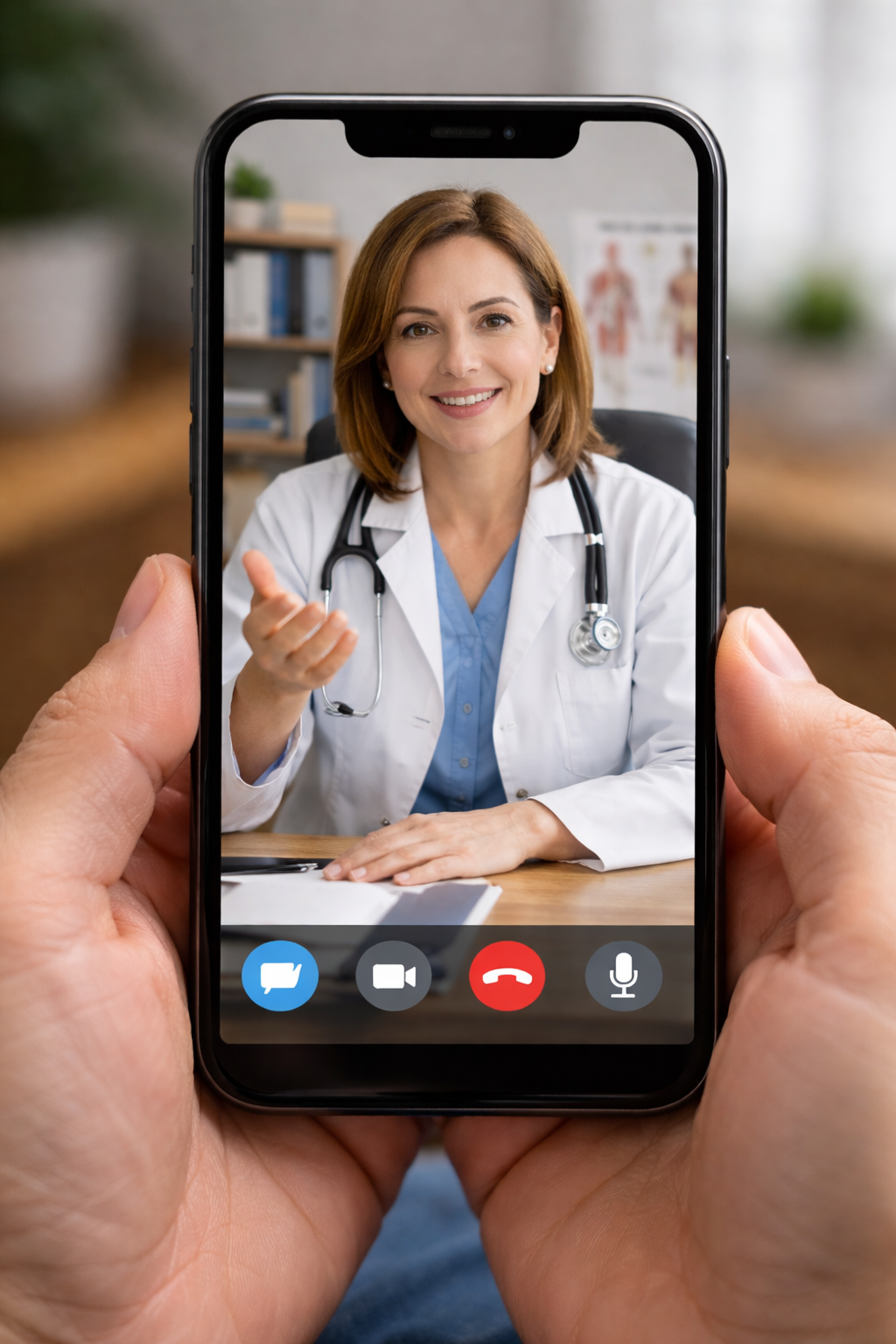
Provide seamless Telemedicine Online Consultation through oeHealth’s platform. Connect with patients via Google Meet, Zoom, or Microsoft Teams directly from their appointment. Automate reminders, share follow-up instructions via WhatsApp or SMS, and collect consultation fees online all integrated with your EMR for effortless virtual care.
Virtual Consultation Workflow
Book, Consult, Prescribe, and Pay — All Virtually
oeHealth's telemedicine module provides a complete virtual care workflow. Patients book online, receive WhatsApp or SMS reminders with their video meeting link, join the consultation via Google Meet, Zoom, or Microsoft Teams, receive a digital prescription in their patient portal, and pay online — with every interaction recorded in their EMR for clinical continuity.
One-click video call launch from the appointment screen via Google Meet, Zoom, or Teams
Automated WhatsApp and SMS reminders with meeting link and instructions
Online payment collection before or after consultation via patient portal
Digital prescription and lab order delivery through patient portal and WhatsApp
Complete consultation notes recorded in the patient's EMR timeline
Video Conferencing Integration
Launch Google Meet, Zoom, or Microsoft Teams calls directly from the oeHealth appointment screen. Meeting links are auto-generated and shared with the patient — no separate app switching or manual link copying required.
WhatsApp & SMS Messaging
Send appointment confirmations, video call links, prescription summaries, and follow-up reminders automatically via WhatsApp and SMS. Patients receive everything on their phone without needing to download an app or check email.
Online Payment Collection
Collect consultation fees through the patient portal before or after the virtual visit. Support for credit cards, bank transfers, and digital wallets with automatic invoice generation and payment reconciliation.
Complete Telemedicine Platform Features
Every integration and tool your practice needs to deliver virtual care that matches the quality and documentation of in-person visits.
Smart Appointment Booking
Patients book virtual appointments through the online portal or reception staff creates them in the EMR. The system automatically generates the video meeting link based on the doctor's preferred platform and attaches it to the appointment.
- Online self-booking with doctor availability
- Auto-generated meeting links per platform
- Time zone-aware scheduling for remote patients
Multi-Platform Video Calls
Each doctor can configure their preferred video platform — Google Meet, Zoom, or Microsoft Teams. The system creates the meeting room automatically and provides one-click join for both doctor and patient.
- Google Meet, Zoom, and Teams integration
- Per-doctor platform preference setting
- One-click join from appointment screen
Automated Notifications
Send appointment reminders, video call links, and post-consultation instructions automatically via WhatsApp, SMS, and email at configurable intervals before and after the appointment.
- WhatsApp message templates with meeting link
- SMS fallback for patients without WhatsApp
- Configurable reminder timing (24h, 1h, 15min)
Digital Prescriptions
Doctors write prescriptions during or after the video consultation directly in the EMR. Patients receive their prescription via WhatsApp, SMS, or patient portal — ready to present at any pharmacy.
- In-consultation prescription writing
- WhatsApp prescription delivery as PDF
- Patient portal prescription history
Pre-Visit & Post-Visit Payment
Collect consultation fees before the appointment to reduce no-shows, or bill after the visit. Payment links are sent via WhatsApp and SMS, and patients pay through a secure online checkout page.
- Pre-consultation payment requirement option
- Payment link via WhatsApp and SMS
- Automatic invoice and receipt generation
EMR-Integrated Documentation
Every virtual consultation is documented in the patient's EMR with consultation notes, diagnosis, prescriptions, and lab orders — maintaining the same clinical record standard as in-person visits.
- Consultation notes linked to video appointment
- Diagnosis and ICD coding during call
- Lab and imaging orders from virtual visit
Integrated Telemedicine vs. Standalone Video Calls
See how oeHealth's EMR-integrated telemedicine eliminates disconnected workflows and provides a seamless virtual care experience for both doctors and patients.
| Workflow | With oeHealth | Without oeHealth |
|---|---|---|
| Video call setup | Auto-generated Google Meet, Zoom, or Teams link attached to appointment | Manually create meeting, copy link, email or text it to patient |
| Appointment reminders | Automated WhatsApp and SMS with meeting link at configured intervals | Manual phone calls or generic email reminders without meeting details |
| Patient joining | One-tap join from WhatsApp message or patient portal | Patient searches email for link, downloads app, enters meeting code |
| Clinical documentation | Notes, diagnosis, and prescriptions recorded in EMR during the call | Doctor writes notes separately and manually enters them into EMR later |
| Prescription delivery | Instant WhatsApp delivery and patient portal access | Patient waits for email or must visit clinic to collect prescription |
| Payment collection | Online payment via portal with WhatsApp payment link | Patient must visit clinic to pay or receive manual bank transfer instructions |
| Follow-up scheduling | Follow-up booked during call with automatic reminders | Verbal follow-up instruction with no automated tracking |
| Patient record continuity | Virtual and in-person visits in same EMR timeline | Virtual consultation records disconnected from main patient chart |
Frequently Asked Questions
Common questions about the oeHealth Telemedicine and Virtual Care module.
Which video conferencing platforms are supported?
oeHealth integrates with Google Meet, Zoom, and Microsoft Teams. Each doctor can set their preferred platform in their profile. When a virtual appointment is created, the system automatically generates a meeting room on the doctor's chosen platform and attaches the join link to the appointment. Both doctor and patient can join with one click from the oeHealth interface or the WhatsApp message.
How do WhatsApp and SMS notifications work?
The system sends automated messages at configurable intervals — typically 24 hours, 1 hour, and 15 minutes before the appointment. Messages include the doctor's name, appointment time, video meeting join link, and any pre-visit instructions. After the consultation, follow-up messages deliver the prescription PDF, lab order details, and the next appointment reminder. WhatsApp is used as the primary channel with SMS as a fallback for patients who do not have WhatsApp.
Can patients pay for virtual consultations online?
Yes. You can configure whether payment is required before the appointment (to reduce no-shows) or collected after the consultation. Payment links are sent via WhatsApp and SMS, directing patients to a secure checkout page where they can pay by credit card, debit card, or bank transfer. The system automatically generates the invoice, records the payment, and reconciles it with the appointment billing record.
Are virtual consultations documented the same as in-person visits?
Absolutely. The doctor uses the same EMR consultation form during a virtual visit as they do for in-person appointments. Consultation notes, diagnosis codes, prescriptions, lab orders, and follow-up plans are all recorded in the patient's medical record. The appointment is tagged as "virtual" in the timeline, and the video platform used is logged for reference. There is no difference in clinical documentation quality between virtual and in-person visits.
Do patients need to install any app to join a video consultation?
It depends on the platform. Google Meet works directly in a web browser with no app installation. Zoom and Microsoft Teams can also be joined via browser, though the experience is better with the app installed. The WhatsApp message sent to the patient includes clear instructions for joining. For the least friction, many practices configure Google Meet as their default platform since it requires no downloads.
Start Offering Virtual Consultations Today
Extend your practice beyond physical walls. Consult patients anywhere via Google Meet, Zoom, or Teams with automated WhatsApp reminders and online payment — all integrated into your EMR.
Free consultation available. See how telemedicine integration works with your existing oeHealth setup.